How to Sign Up for Make and Check the Core Promotion
Make (formerly Integromat) is a visual automation platform: you connect apps like Google Sheets, Gmail, Slack or an AI model on a canvas, and Make moves data between them on its own. Signing up takes about five minutes. This guide walks through every screen so you know what to pick and what you can safely skip.
What you get
Section titled “What you get”| Plan | Price | Credits per month | Active scenarios |
|---|---|---|---|
| Free | $0 | up to 1,000 | 2 |
| Core | From $12/mo shown for 10,000 credits; price depends on billing period and region | 10,000 | unlimited active scenarios |
A credit is Make’s usage unit. Many module actions use one credit, but some operations can use more, so check the module and operation before estimating usage. A scenario is one automation. On the Free plan, scheduled scenarios can run at most every 15 minutes; instant webhooks fire right away.
Possible signup offer: eligible new accounts may receive one month of Core at no cost (10,000 credits) through this signup link. Offers can have eligibility and renewal conditions, so confirm the details shown during signup before continuing.
Step 1. Create the account
Section titled “Step 1. Create the account”- Open the Make registration page.
- Sign up with your email and a password, or click Continue with Google — it is faster and you won’t need another password.
- If you used email, open the confirmation message Make sends and click the link.
When creating an organization, choose its data center region (EU or US) based on where you want Make to store and process your organization data. Make recommends choosing the closest region for lower latency, and you can’t change it later. Selecting EU does not by itself make your use GDPR-compliant; consider the data and services your scenarios connect to as well.
Step 2. The onboarding questions
Section titled “Step 2. The onboarding questions”After the first login Make shows a short survey. Your answers only change which templates it suggests. They don’t lock you into anything and don’t affect your plan.
What would you like to automate?
Section titled “What would you like to automate?”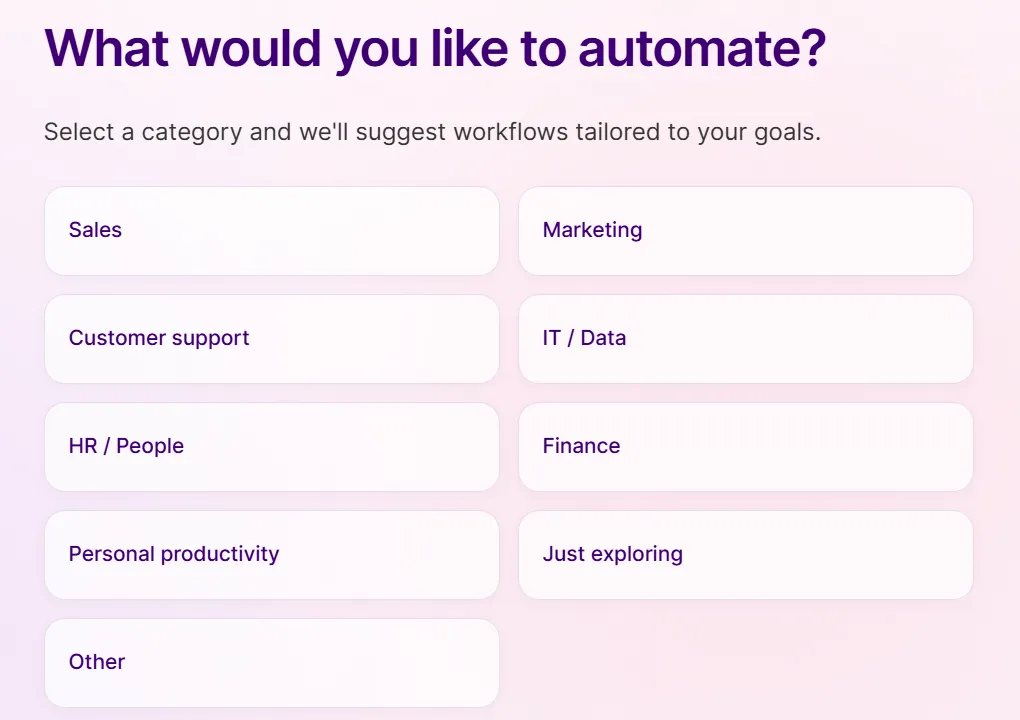
Pick the area closest to your first idea. Not sure yet? Choose Just exploring.
How would you describe your technical experience?
Section titled “How would you describe your technical experience?”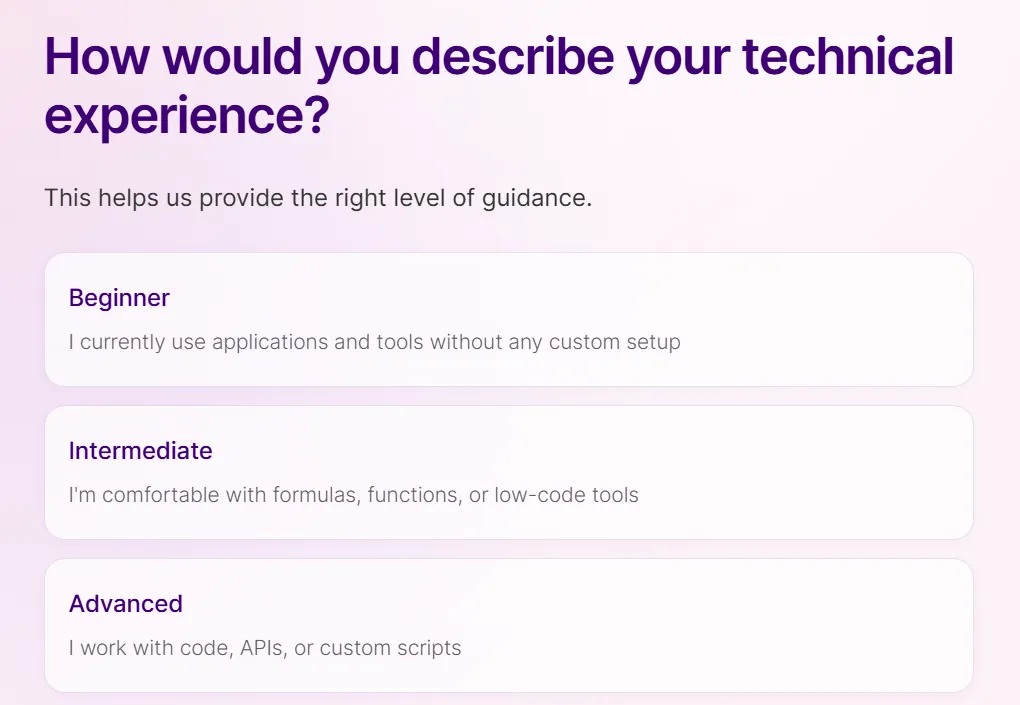
- Beginner — you’ve never built an automation. Make will show more hints.
- Intermediate — you’re comfortable with spreadsheet formulas or other no-code tools.
- Advanced — you work with APIs, JSON or code.
Be honest here: the beginner tips are genuinely helpful in the first days, and you can ignore them later.
What apps do you use the most?
Section titled “What apps do you use the most?”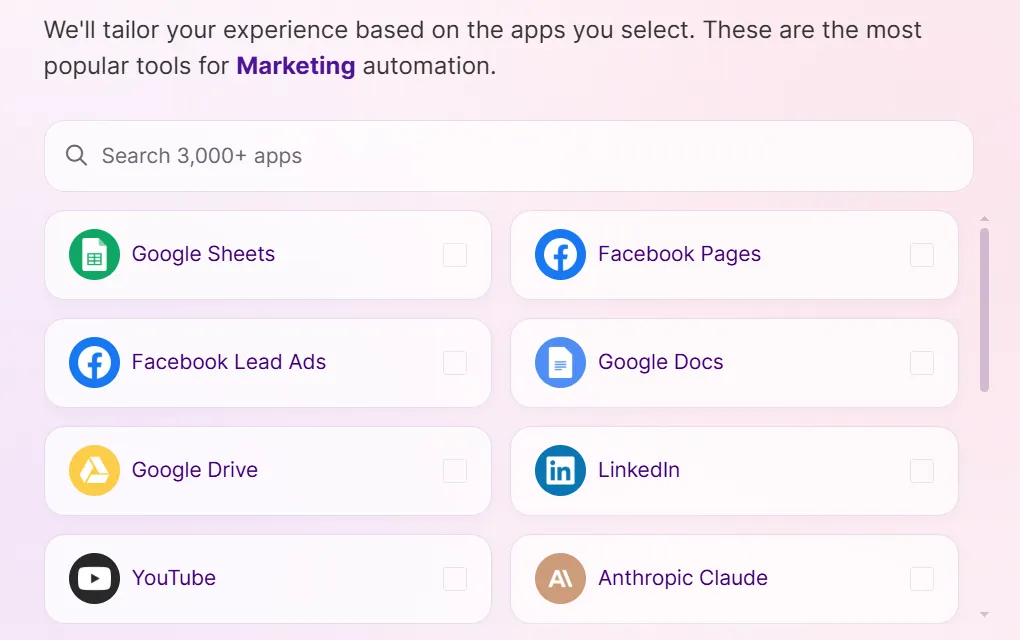
Tick the apps you already use (Google Sheets and Gmail are the most common starting point), or click Skip. You can connect any of Make’s 3,500+ apps later.
What size is your workplace?
Section titled “What size is your workplace?”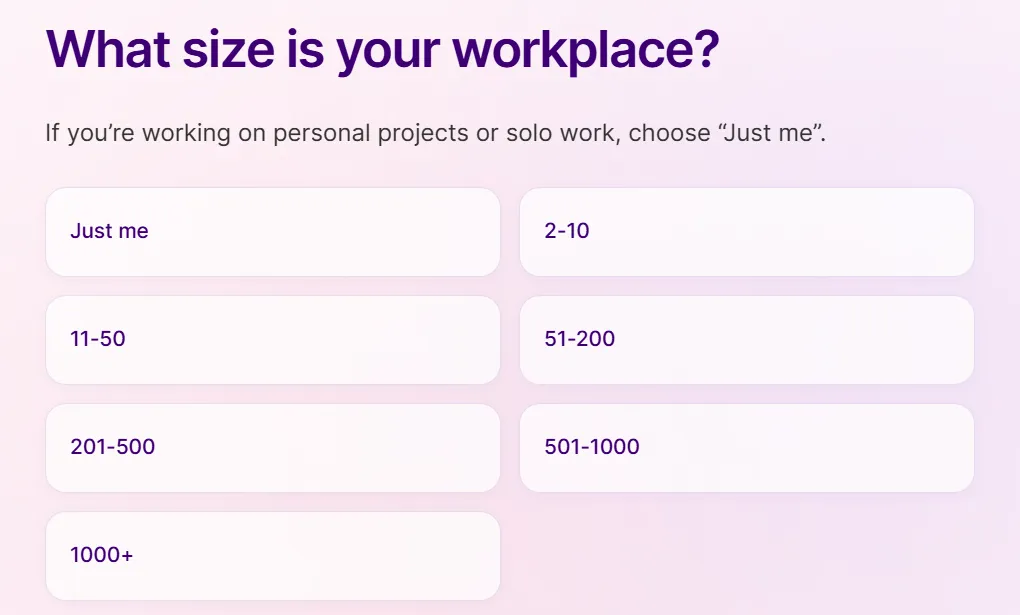
Working on your own projects? Choose Just me.
How did you discover Make?
Section titled “How did you discover Make?”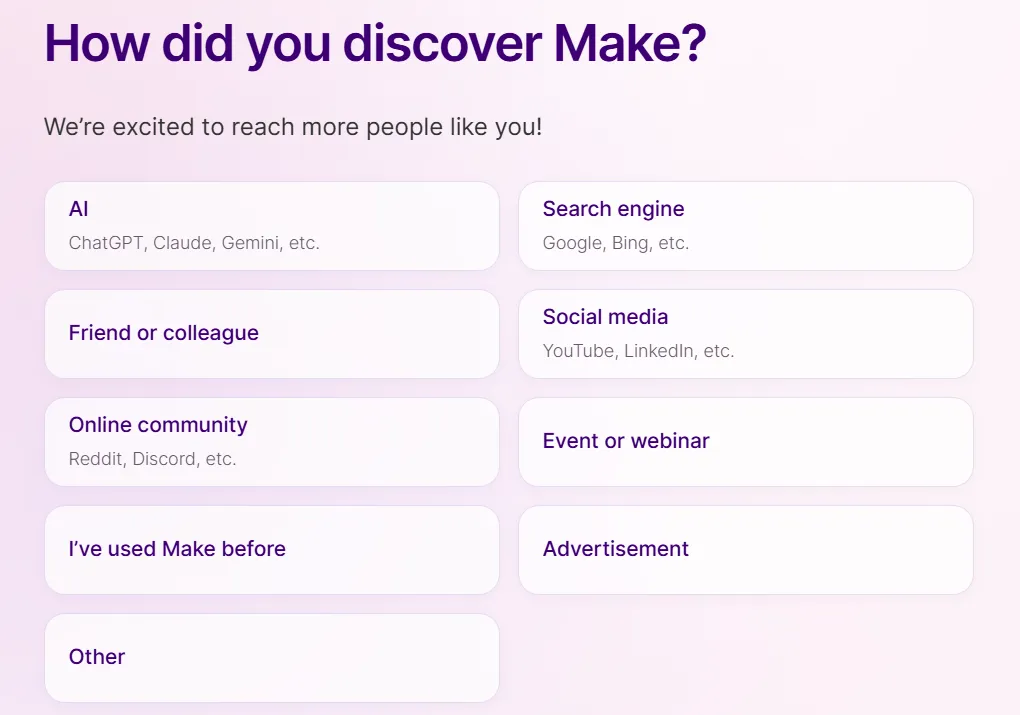
Any answer works. It’s a marketing survey.
Step 3. Check your plan
Section titled “Step 3. Check your plan”Once onboarding is finished you land in your organization dashboard. Open Organization → Subscription and check whether a Core trial or promotion is active. Note its end date and renewal terms. If no valid payment method is saved, Make says the account moves to the Free plan when a coupon expires; otherwise, check the displayed terms so you know whether a paid subscription will begin.
Step 4. Build your first scenario
Section titled “Step 4. Build your first scenario”A good first project is small and useful:
- New form response → row in Google Sheets → email notification.
- New email with an attachment in Gmail → save the file to Google Drive.
Click Create a new scenario, add the trigger app, then the action app, and press Run once to test with real data. When it works, switch the scenario On and set how often it should run.
Do I need a credit card to sign up? You can use the Free plan without a card. The Core promotion may have separate eligibility or payment requirements; check what Make shows during signup.
What happens when the free month ends? Your scenarios stay, but your available plan and credits may change. Check the promotion’s renewal terms during signup. If no valid payment method is saved, Make says the account moves to the Free plan when a coupon expires (currently 1,000 credits and 2 active scenarios).
Make or n8n? Make is fully hosted and easier for beginners. n8n can be self-hosted for free if you’re comfortable running a server — see our guide on self-hosting n8n with Docker. For a broader comparison, read our Zapier alternatives overview.